> ## Documentation Index
> Fetch the complete documentation index at: https://developers.kajabi.com/llms.txt
> Use this file to discover all available pages before exploring further.
# Classic Email Editor vs Visual Email Editor
> Choose between the Classic Email Editor and Visual Email Editor for email campaigns.
The **Classic Email Editor** is available alongside the Visual Email Editor.
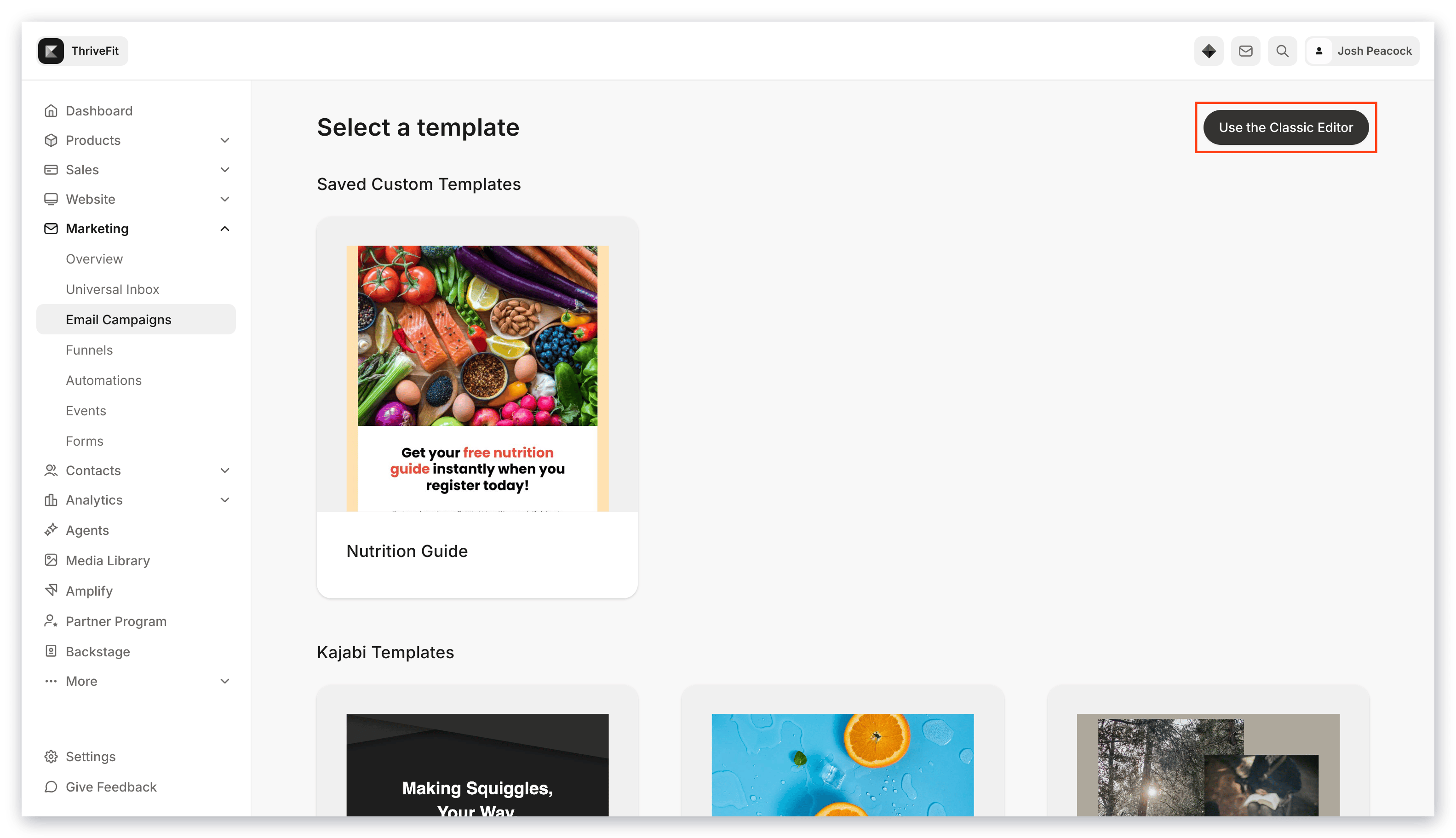
You can select the "classic" editor when creating an email campaign by clicking the **Use the Classic Editor** button on the top right when selecting your template:
 Or at the bottom of the Email Templates page: